

Which NFC tags work? Does AirTag work?
Compatible NTAG213/215/216 and ISO 15693 tags work. We’ve also tested AirTag. You can use a QR key instead.
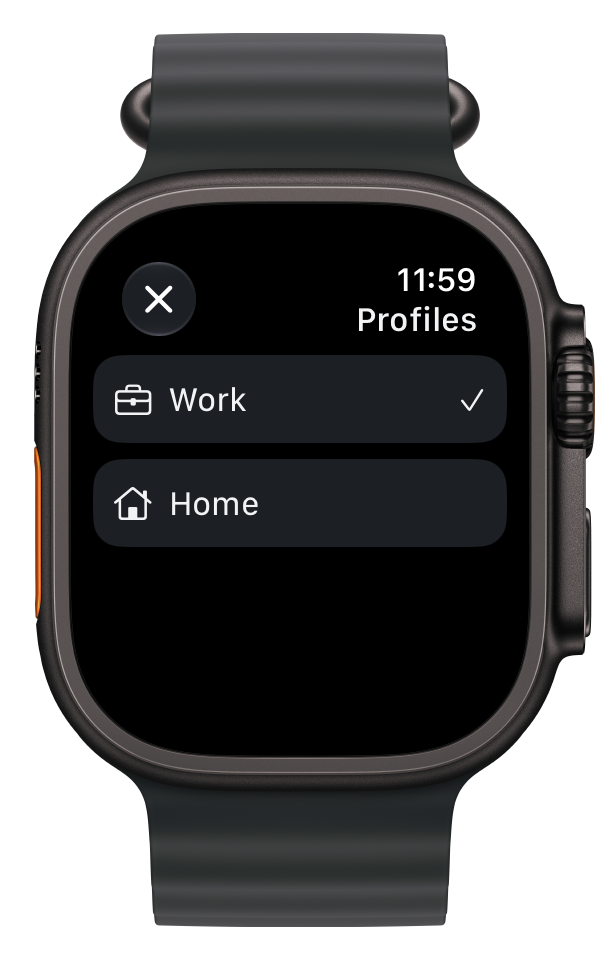
Block apps on iPhone. Take control from Apple Watch.

Coming soon to the App Store.
Whole teams work on keeping you in your feed. And getting you back as soon as you leave. Designers, analysts, tests. It’s a full-time job. And you’re told to just put your phone down. Cool, thanks.
PAUSA adds a small pause before another “just checking”.
Allow Screen Time access and pick the apps and websites you want to block.
Scan your AirTag or a compatible NFC tag. Or create a QR key and give it to someone you trust.
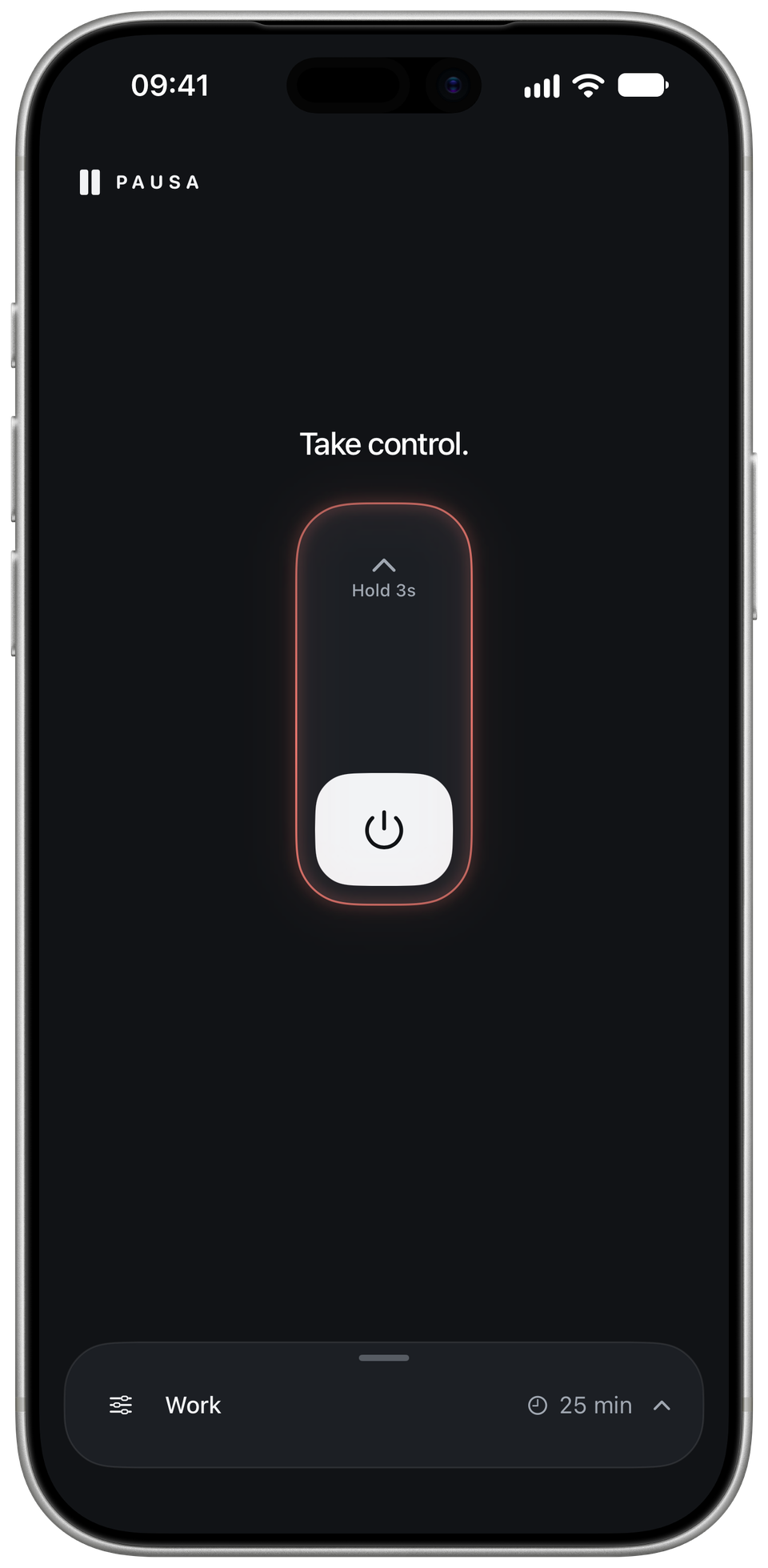
Slide up and hold for 3 seconds. Your session ends automatically. Scan your linked key for a break or an early finish.
Take control.
Slide up, then hold.
Interactive demo.
For a break or an early finish, scan your linked key inside PAUSA.
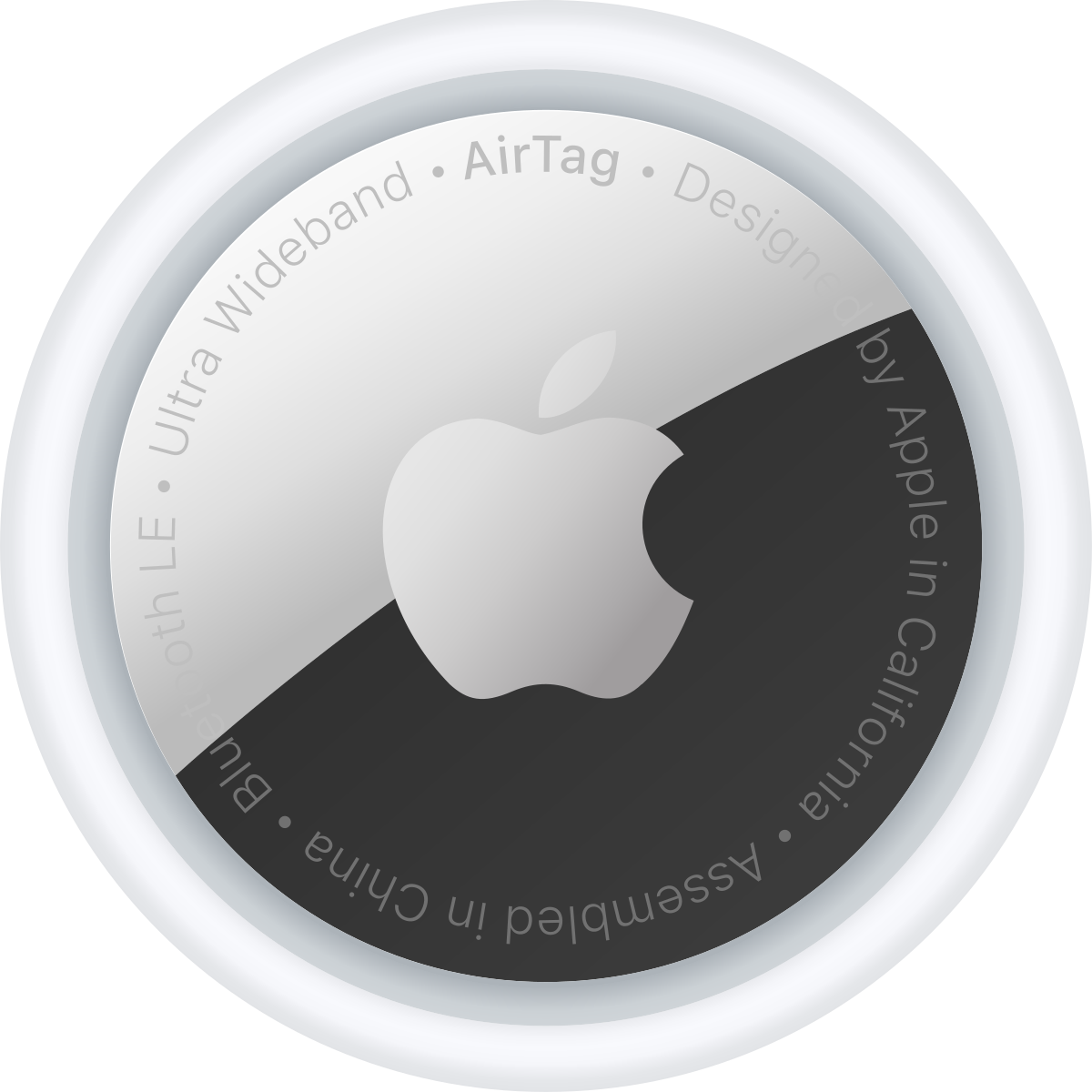
The one you already have.
Compatible NFC tags.
Keep it with someone you trust.
Choose the apps in each profile once. Switch profiles when your day changes.
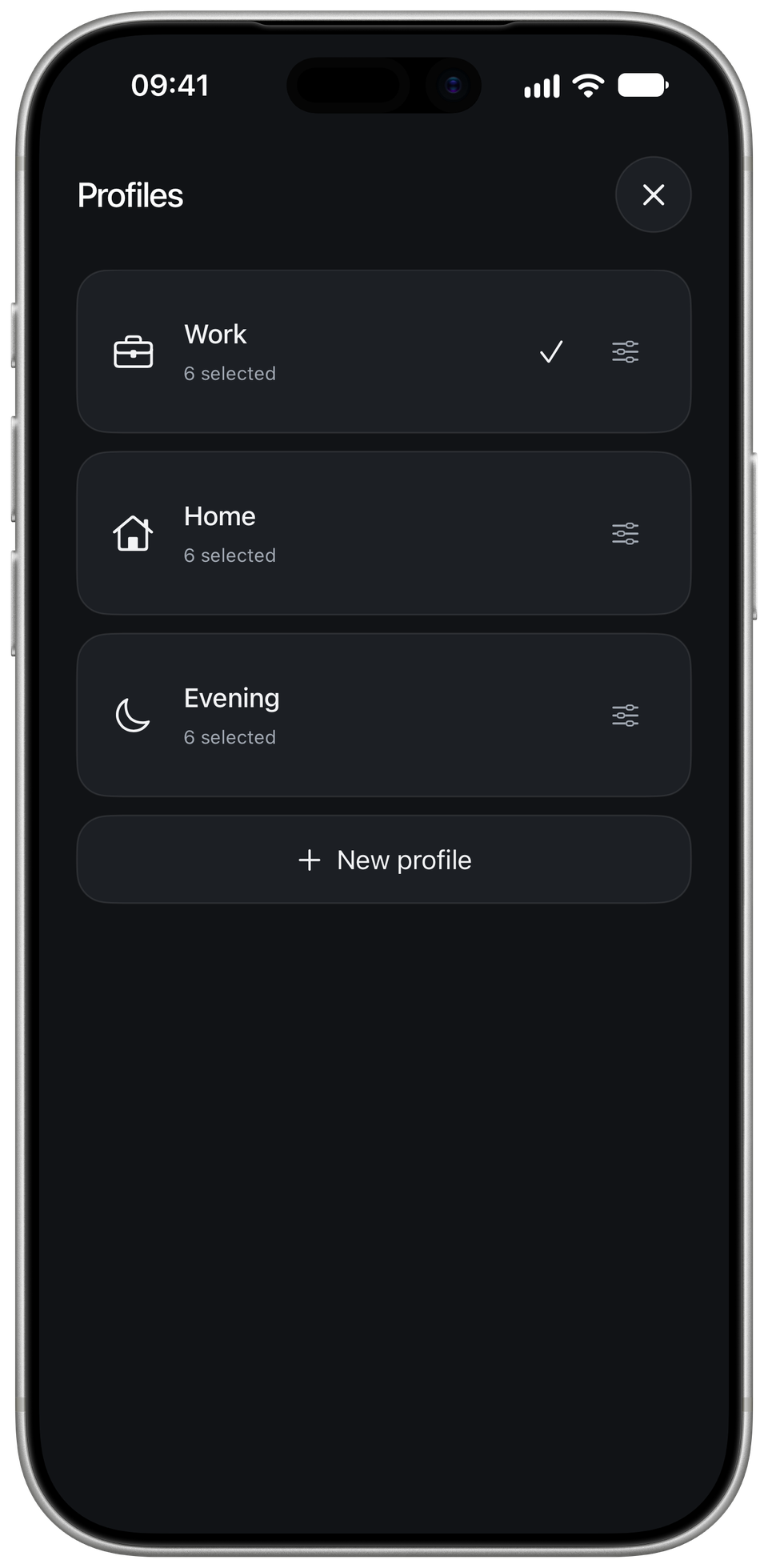
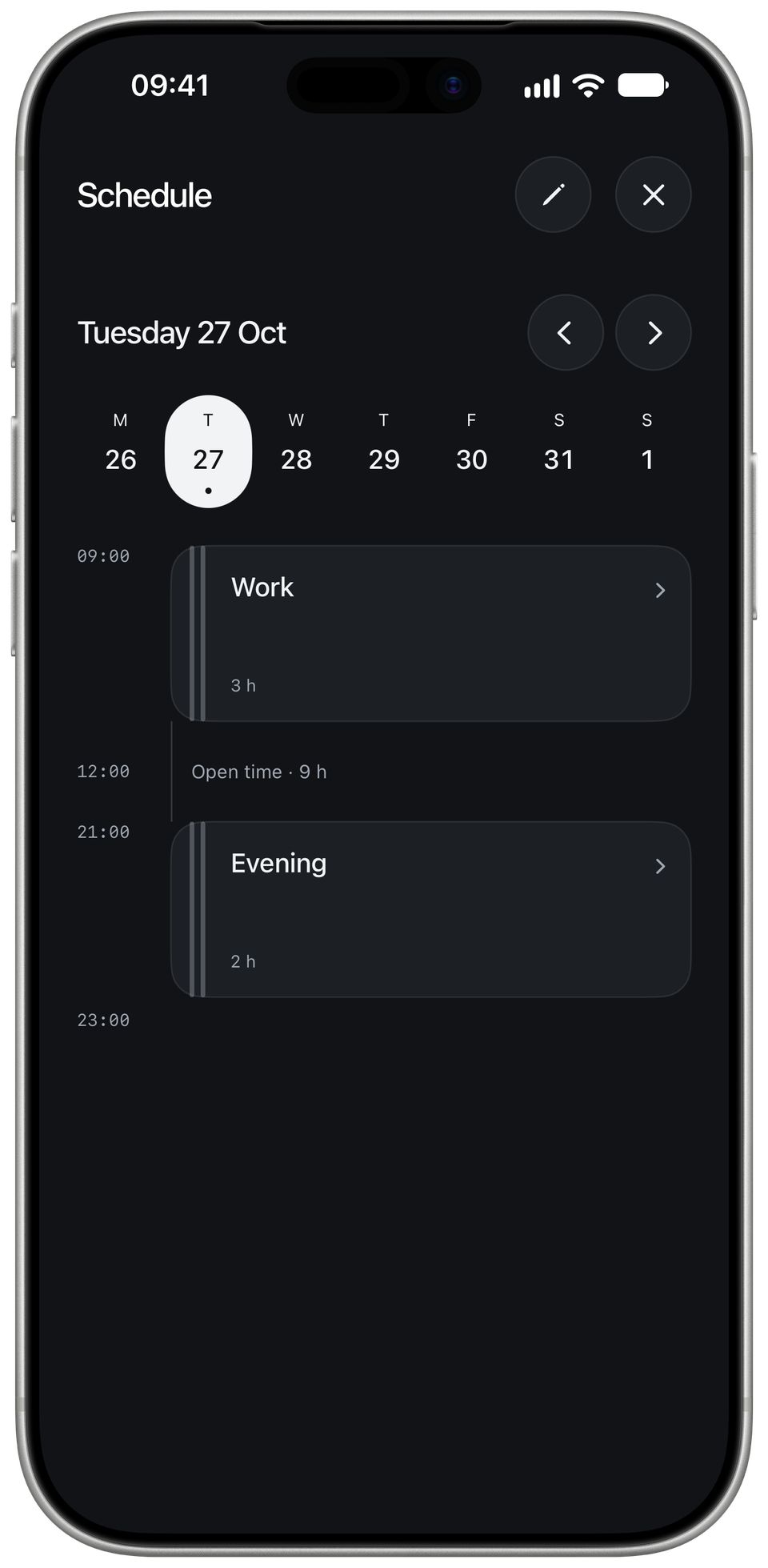
Pick the days and times. PAUSA starts the right profile when it is time.
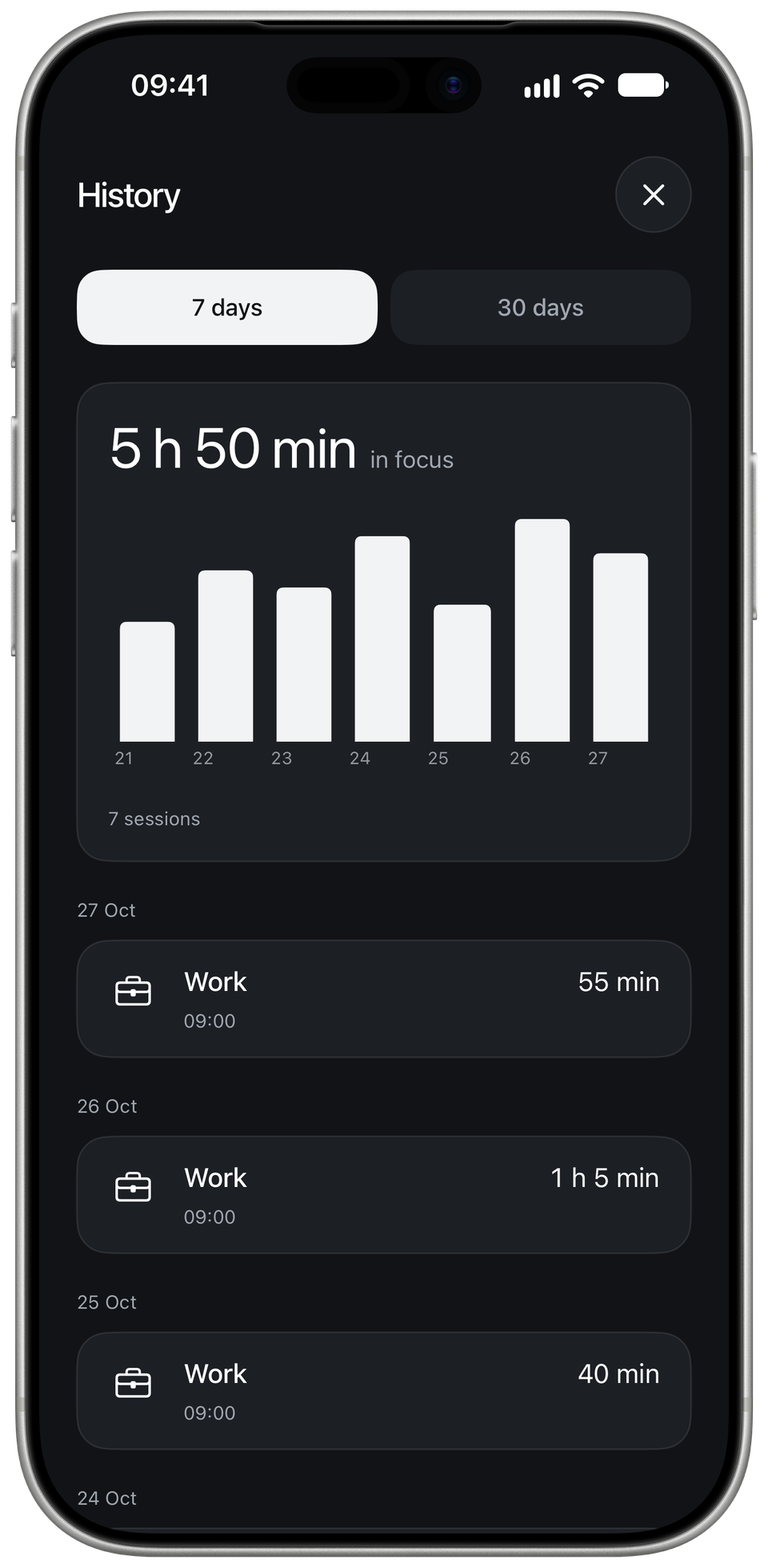
Look back at your sessions and the time you spent in focus.
All features included. We don’t collect your data.
PrivacyCompatible NTAG213/215/216 and ISO 15693 tags work. We’ve also tested AirTag. You can use a QR key instead.
In Keys, choose NFC tag and add your tag. PAUSA links it without rewriting anything saved on it.
The iPhone is opening a link already stored on the tag. To take a break, open PAUSA and scan when its NFC window appears.
Create a QR key in PAUSA, then choose Share & hide. Give the image to someone you trust. They do not need PAUSA, and you cannot reopen the card after handing it over.
We don’t collect your data. Profiles, keys and history stay in local storage. Session details are shared with your paired Apple Watch.
PAUSA is a small noncommercial project. All features are free, with no ads. There’s optional support in the app if you want to say thanks.
The cats in your feed can wait.
Coming soon to the App Store.